
Steal Or Die Trading Guide: How to Trade Skins, Dances and Money
Steal Or Die trading explained: the T-key trade menu, what you can swap — skins, dances and money — the lobby-versus-match question, and what stays unconfirmed.
FAQ
How do you trade in Steal Or Die?
What can you trade in Steal Or Die?
Can you trade during a match?
Is there a trade glitch in Steal Or Die?
Are traded skins worth real money?
Trading is one of those features every Steal Or Die player eventually asks about — the game ships a dedicated menu for it, and then barely explains it. This page collects everything the trade system has actually shown on camera: where the menu lives, what its own text says you can swap, what its player list tells you about timing, and — just as important — the line where the confirmed record ends. No invented offer screens, no made-up values.
How do you open the trade menu in Steal Or Die?
The trade menu hangs off the same side menu that holds your other between-match systems. In the lobby, the rail on the left of the screen stacks them in plain text: Shop on M, Locker on L, Trade on T, Rebirth on P — and one creator’s session right after a completed run shows the full stack, fresh off a $1,165 payout.
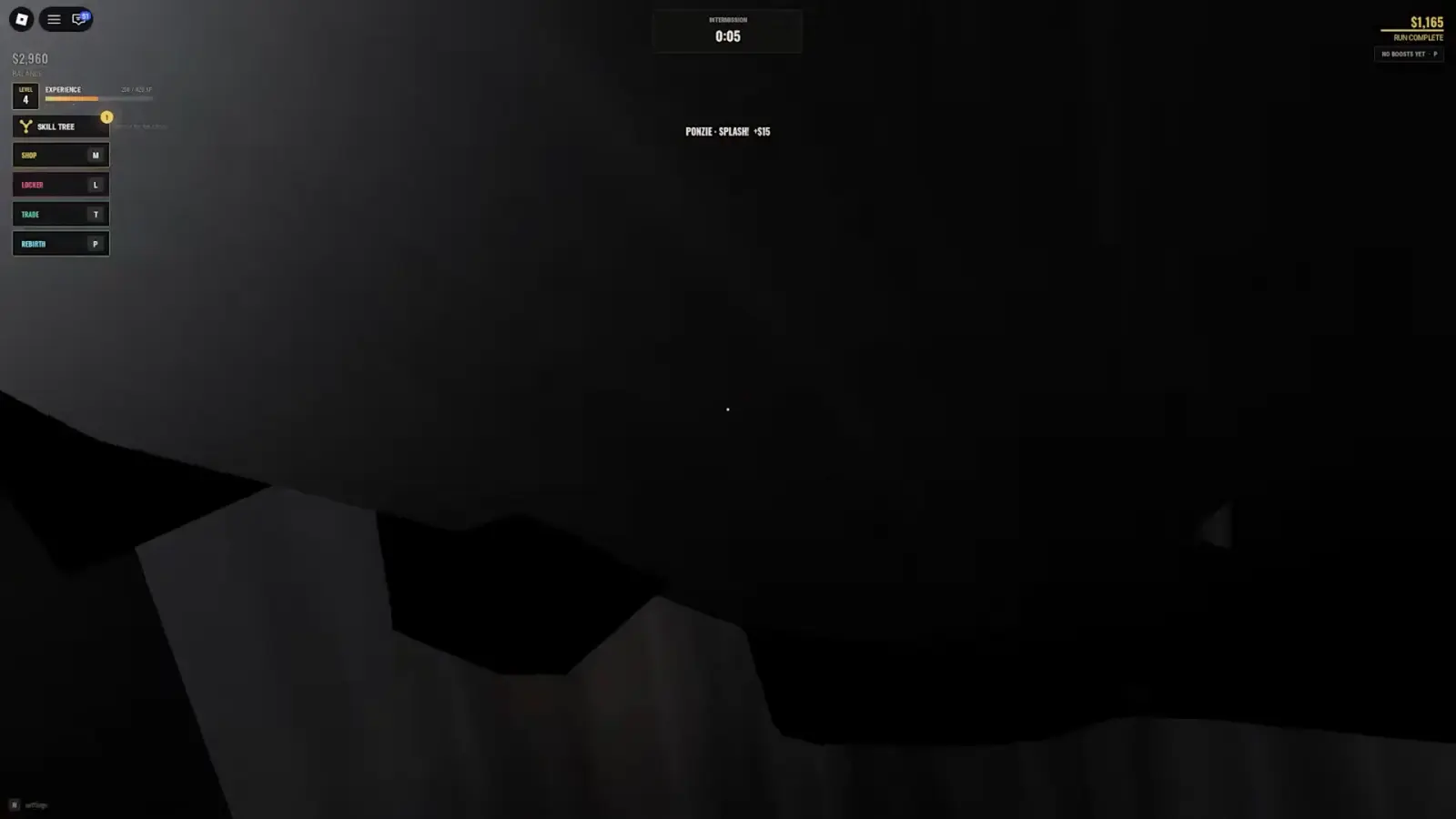 The between-match rail: Shop, Locker, Trade, Rebirth — each with its key. Trade is T. See 24:05 in the source video.
Press it and the game opens a panel titled TRADE with one line of instructions: “Pick someone. Skins, dances and money can all change hands.” Below that sits the server’s player list — avatar, username, and a green Trade button per row.
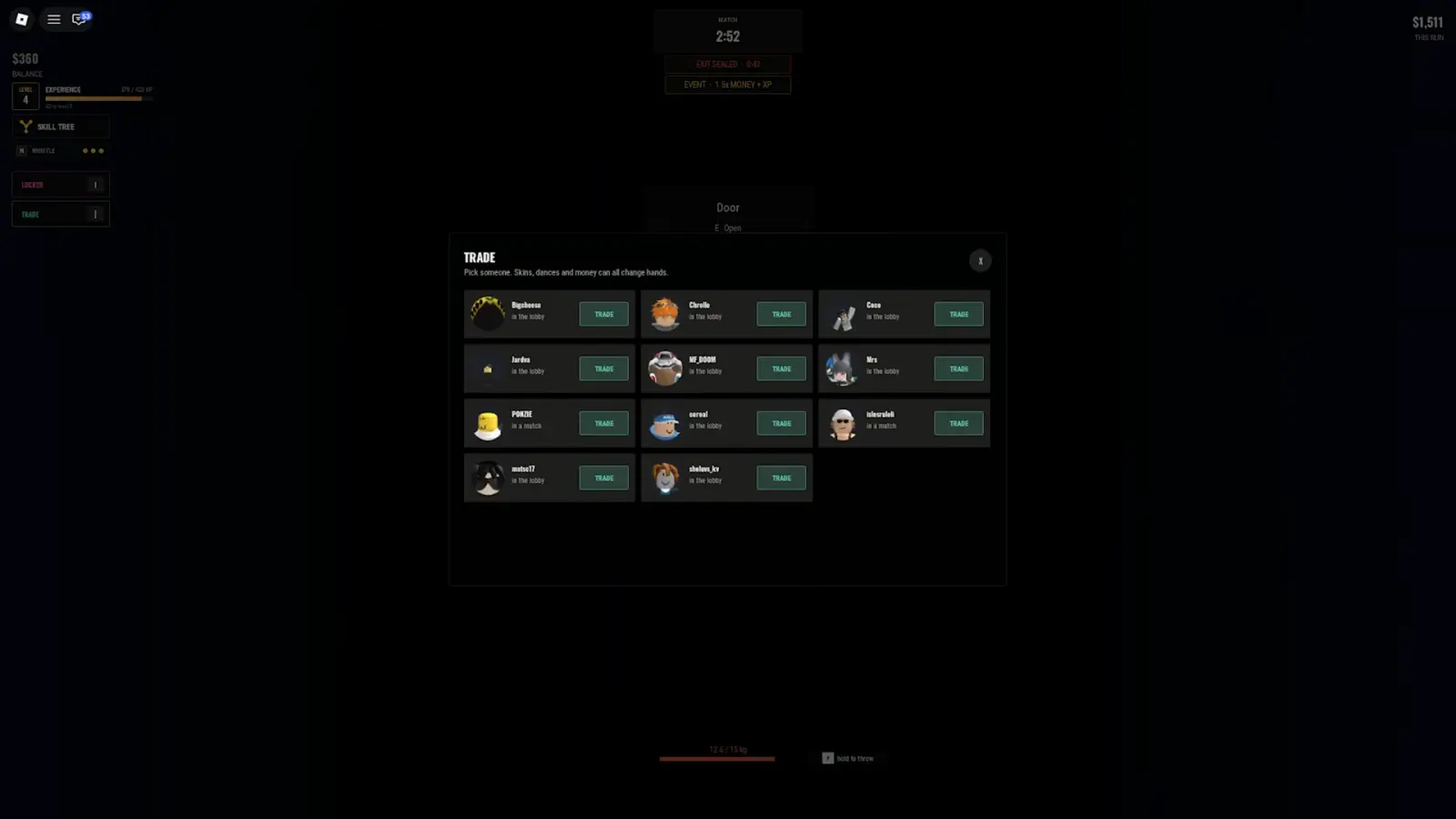 The full trade menu, opened from a hiding spot mid-match: eleven players, each tagged “in the lobby” or “in a match”. See 28:00 in the source video.
A second creator, playing the game blind, found the same system and said it out loud: “Can you trade? Oh my. You can trade things between players.” Two independent sessions confirming the same menu is about as solid as this game’s records get.
What can you trade in Steal Or Die?
The menu’s own subtitle does the work: skins, dances and money. That is the official tradable list, and it maps cleanly onto the rest of the game’s systems:
- Skins — the random cosmetics the shop’s Cases tab opens into. What cases cost and how the drop works is covered in the cases guide.
- Dances — emotes and the whistle you can sound mid-match; either one tells the entity exactly where you are, which the hiding guide covers in detail.
- Money — your banked balance. What a fair number looks like depends on what cash actually buys, which the value list tracks price by price.
Notice what is not on the list: match loot. You cannot trade a hard drive or a gold bar out of your bag through this menu — it is a cosmetics-and-cash system, not an item-drop shortcut.
Can you trade during a match?
Here is the most interesting detail the footage captured. The player list tags every entry — most say “in the lobby”, a few say “in a match”. The streamer who opened the panel mid-round read those labels aloud and settled on “in the lobby” as the venue that matters, repeatedly, while hiding from the entity.
So the honest answer has two layers. The menu opens during a match — the screenshot above was taken from inside a closet with the exit still sealed. Whether a trade completes between two players who are both inside an active round has never been shown on camera. Until someone films it, plan around the lobby: trade before the vote starts, not while something is hunting you.
Is trading safe in Steal Or Die?
The confirmed record does not show the offer screen — no camera has captured the accept flow, a confirmation step, or what happens when a trade goes wrong. That means all the usual Roblox-marketplace caution applies at full strength, because the game has not been shown to protect you from yourself:
- Do not agree to “you go first” deals in chat. Trust-based trades are how every Roblox scam works, in every game, and a menu nobody has filmed is exactly where they thrive.
- Wait for a visible confirmation step before assuming anything left your inventory. If the game has one, use it; if it does not, that is a reason to slow down, not to rush.
- Never download a “trade glitch” script. The search suggestion exists; the glitch does not. Scripts are the one reliably effective way to lose an account.
What should you charge for a trade?
There is no official price tag on a skin or a dance — the game prices cases, not their contents. Cash trades are the only half-measurable ones, and the reference point is what banked money buys: sprint and stamina upgrades run four figures, entity unlocks run from $4,899 to $6,499, and single-match hauls land anywhere from pocket change to $1,500+. Anyone quoting a fixed “skin value” is dressed-up guesswork — treat it as such and trade for what you actually want.
Sources and footage credit
The trade menu screenshots and the lobby rail come from FusionZGamer’s long Steal Or Die session (watch the source video on YouTube), and the independent “you can trade things between players” confirmation belongs to Rogurt’s session (also on YouTube). Both were recorded against game version 1.3-era servers; menu text is quoted exactly as rendered.

STEAL OR DIE.. (FusionZGamer full session with the trade menu and shop walkthrough)
Related Articles
bosses
The Rictus in Steal Or Die: Unlock Cost & Hunt Guide
The Rictus costs $4,899 in Steal Or Die's shop. See its exact card, selection rules, attack prompt, and a full player hunt before spending your cash.
guides
Steal Or Die: How to Play as an Entity and Pick a Monster
Learn how to play as an entity in Steal Or Die: choose a monster, vote ENTITY: PLAYER, and understand why buying 2x chance never guarantees the role.
guides
Steal Or Die Survivor Upgrades: Backpack, Speed & Stamina
Spend banked cash on Steal Or Die survivor upgrades. Compare Backpack, Sprint Speed and Stamina, check filmed prices, and separate them from skill points.
Was this helpful?
Thanks for the feedback!